A guide that knows your product, there the moment a new user stalls.
Request DemoThe docs are a tab away. Nobody is in the room when they need them.
01Notice
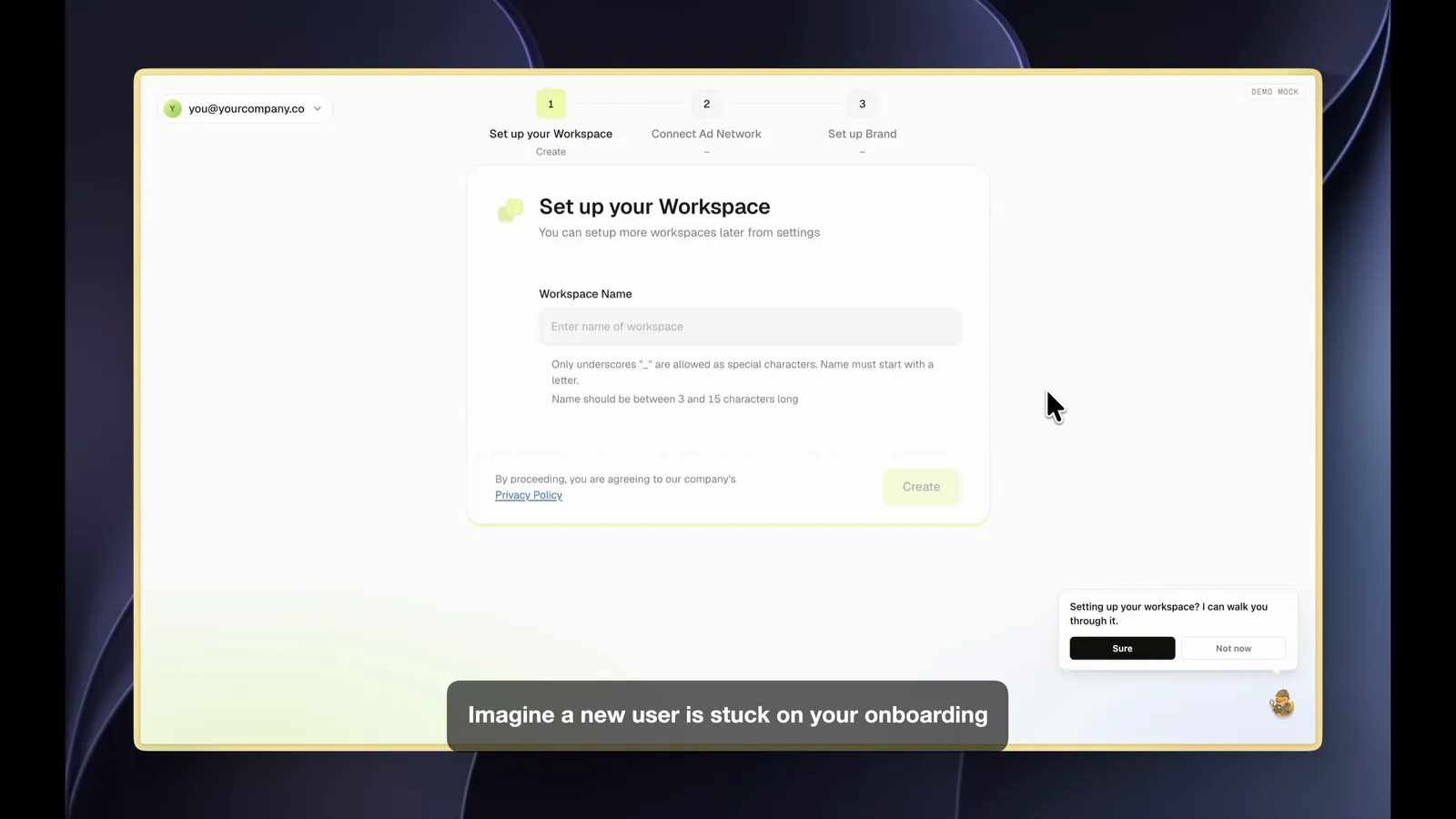
A new user sits on a setup screen too long, or clicks back through the flow. The duck offers a walkthrough. They can decline, or ask it a question instead.
02Guide
The user just says the answer. The duck types it in and picks the options for them, step by step. Your team can limit it to pointing instead.
03Answer
Why do we need this. Where do I find that later. The duck answers from your docs and your product, out loud, without leaving the screen.
04Report
Every pause, question and back-click is recorded. Your team gets a friction report per screen, with the questions new users asked in their own words.
Where onboarding loses people, screen by screen.
A tour shows the same tooltips to everyone and cannot answer a question. The duck has your docs and a map of your product, so it answers in real time and adapts to what the user says. It only appears when someone stalls, so it stays quiet for users who do not need it.
Only if you let it. Each walkthrough carries guardrails on how far the duck may go, from highlighting the right field up to filling it and pressing Continue. Many teams start with highlight only.
Your team marks the screens and the ideal path with a PMF engineer at setup. Typical triggers are idling on a new or complex screen and going back a step in a wizard. It fires once per page load, with an offer the user can decline.
Each run is recorded with the questions asked, the pauses and the back-clicks, so you see which screen loses new users and why. That lands as a friction report your team can act on, written so it can be handed to a coding agent.
No. If you have none, the duck provides one from the journey map your team writes. If you have a long one that leaks users, the duck sits on the screens where they drop and helps them through.
Book a demo and watch the duck guide a new account through setup out loud.